
Skip to main content
How Can We Help?
How to see what work / task is related to user?
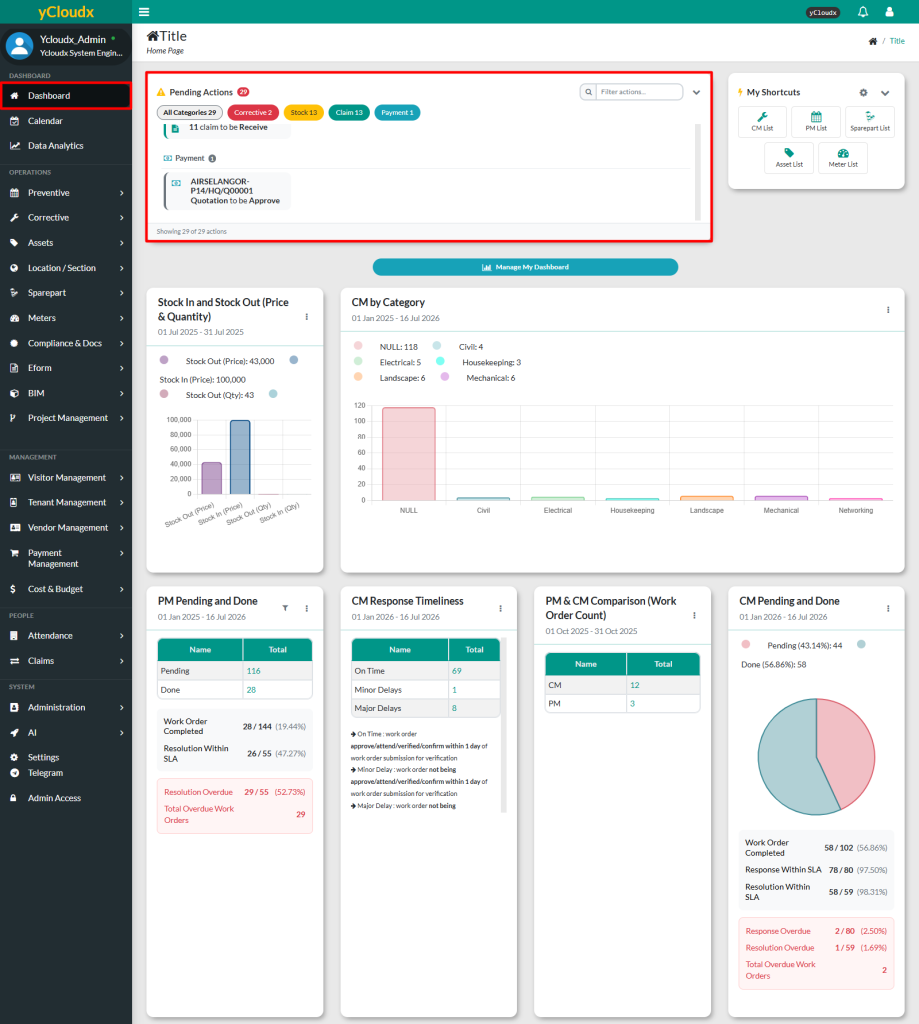
- Proceed to Dashboard
- Focus on the Pending Action section at the top
- All pending tasks that require attention are displayed in red highlighted tabs
- Each tab refers to a task type such as Assign, Attend, Verify or Confirm
- When user click on any red tab, it will directly open the page where the pending task needs to be performed
