
Skip to main content

How Can We Help?
How to resend PM work order notification?
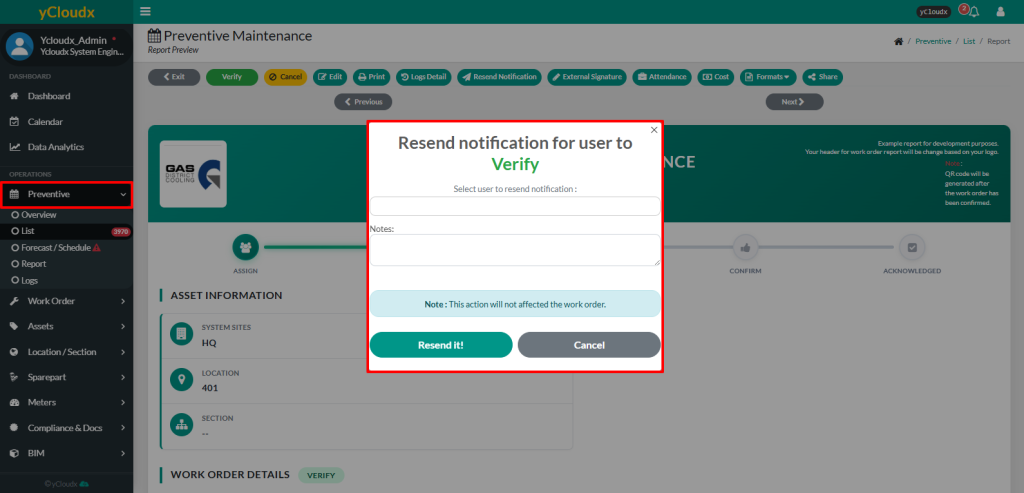
- Proceed to Preventive > List > Select PM Number
- Click Resend Notification button
- Select the user to receive the notification
- Click Resend It! Button to send the notification
Note: This action only resends the notification to a user. It does not affect any existing data in the work order
