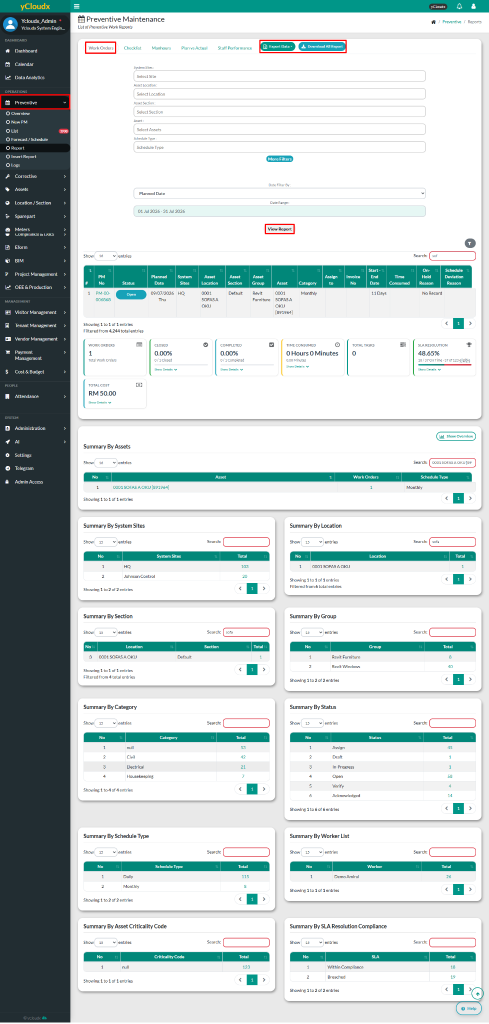
User able to select the System Site, Asset Location, Asset Section, Asset and Schedule Type
User also able to apply additional filters by clicking the More Filters button (Category, Status, Workers, Asset Criticality Code, etc)
User can choose the start and end dates for the data to be displayed
Then, click View Report button to display the selected data based on the chosen filters
After clicking View Report, user able to view the report in a list format and summary tables categorized by asset, location, section, group, category, status and type
User able to search information using multiple parameters in search field
User can export data to Excel by selecting Export Data button
User also able to download all report by clicking the Download All Report button