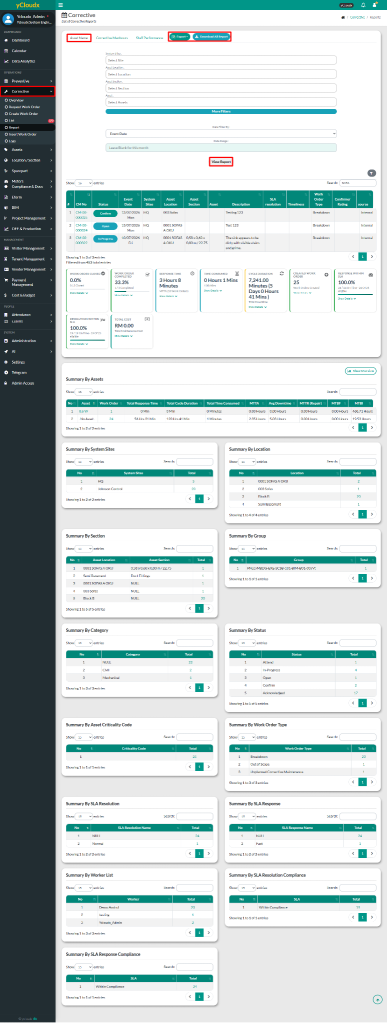
User able to select the site, asset location, asset section, asset and category to filter the report data
User can choose the date range for the data to be displayed
Then, click View Report button to display the selected data based on the chosen filters
After clicking View Report, user able to view the report in a list format and summary tables categorized by asset, location, section, group, category, status and breakdown mode
User able to search information using multiple parameters in search field
User can export data to Excel by selecting Export Data button
User also able to download all report by clicking the Download All Report button