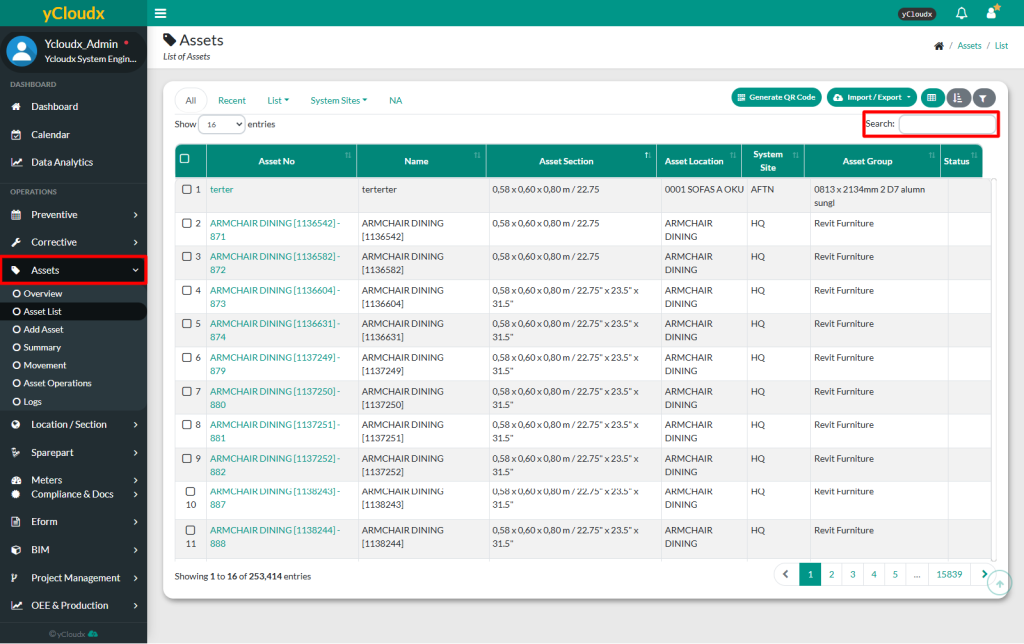
User can search for asset information using multiple parameters in the search field
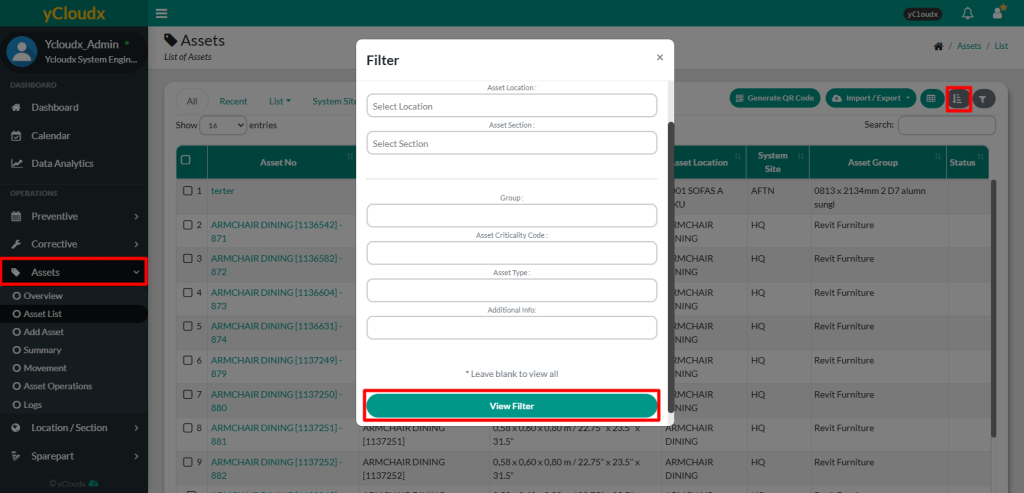
User can filter the asset list based on System Sites, Asset Location, Asset Section, Group, Asset Criticality Code, Asset Type and Additional Info. Once filtered, only the selected assets will appear in the list
Once the filter is applied, only assets that match the selected criteria will be displayed in the list
User can identify whether filtering is applied by the filter icon colour