
Skip to main content

How Can We Help?
How to update or delete compliance & docs?
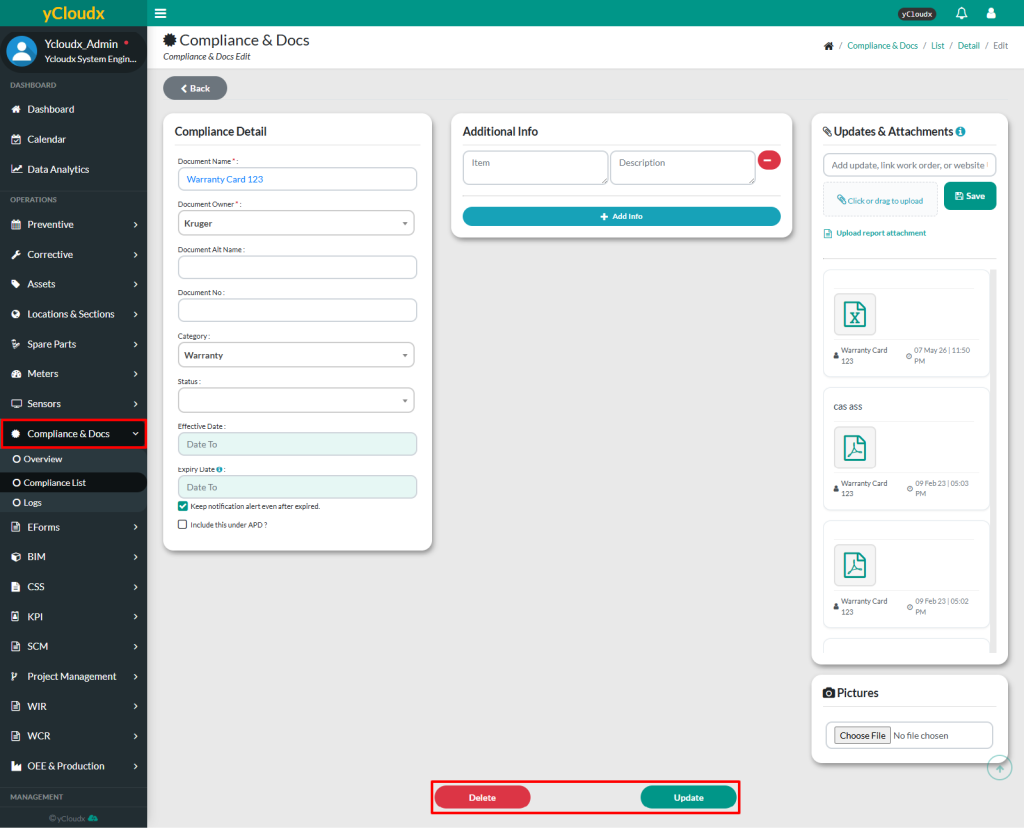
- Proceed to Compliance & Docs > Compliance List > Select Running No
- Click Edit button
- Check all the details filled in the form
- Edit any of the editable content if there is any correction
- Update the form by clicking the Update button or Delete to remove it
