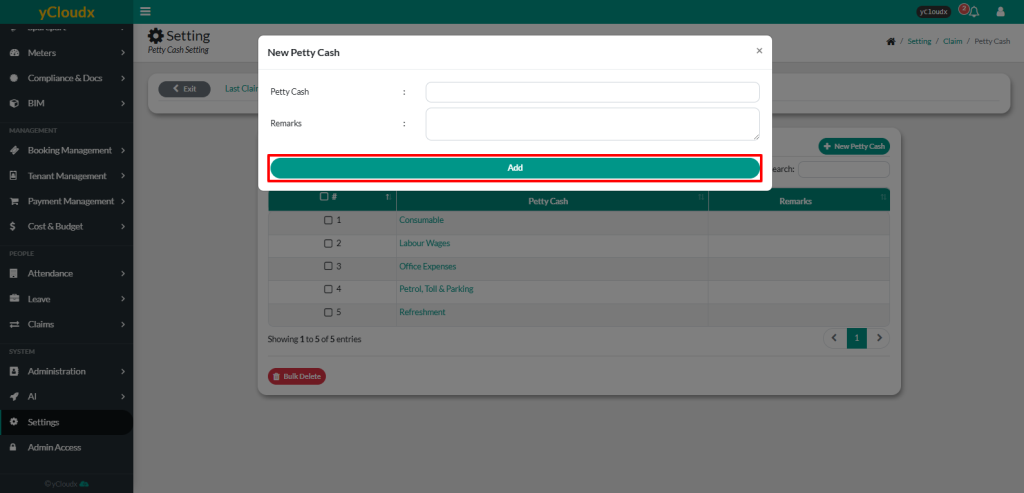
Review the existing petty cash categories in the Petty Cash List
Click New Petty Cash
Enter the Petty Cash category name
Enter Remarks if required (optional).
Click Add to save the new petty cash category
The new petty cash category will be added to the Petty Cash List and will be available for employees to select when submitting Petty Cash Claim applications