
Skip to main content
How Can We Help?
How to log in to the system?
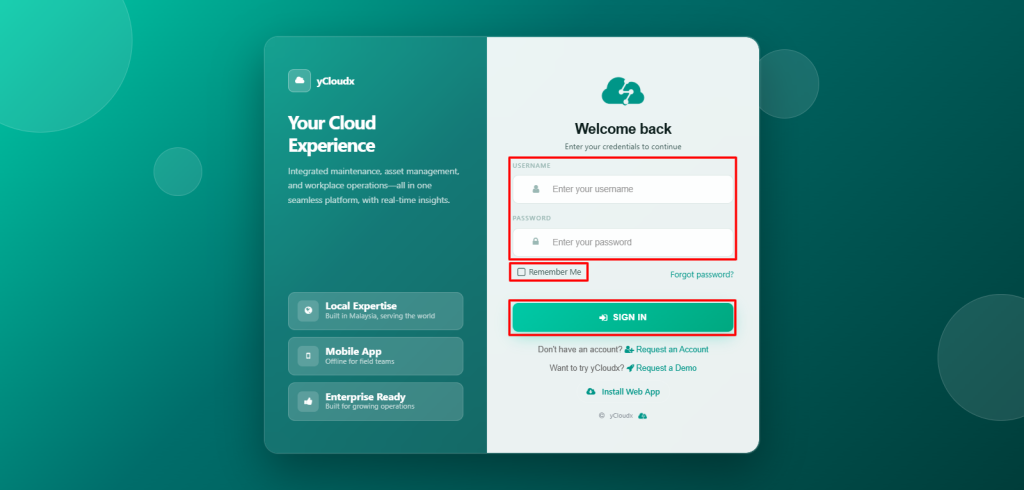
- Open the system login page (e.g. demo.ycloudx.com)
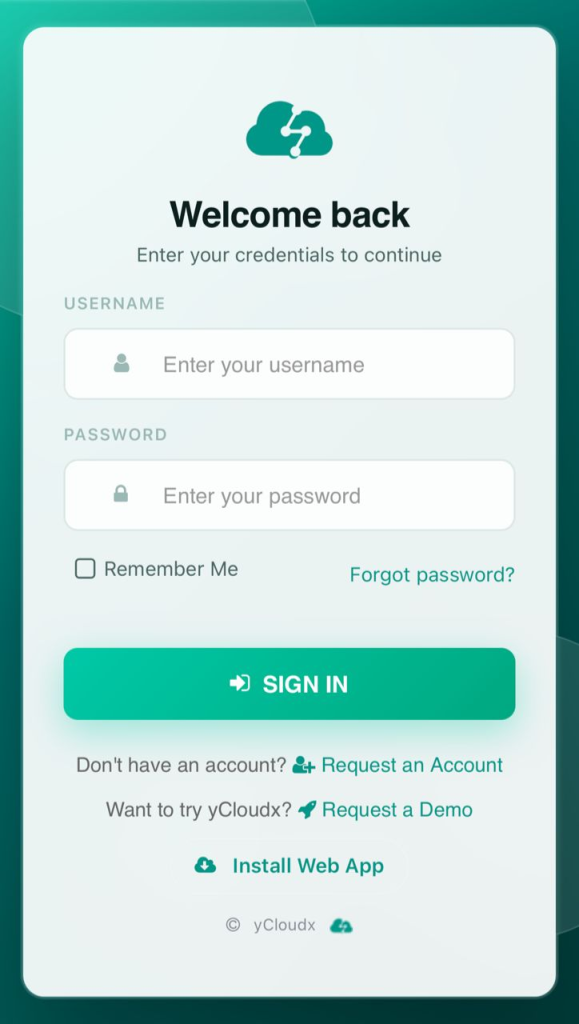
- Enter a valid Username and Password
- Tick the Remember Me checkbox to save login credentials for future logins
- Click the Sign In button to proceed
- If the login details are correct, the user will be redirected to the system dashboard
- If the login details are incorrect, popup notification will be appear to inform that the username or password is incorrect
