
Skip to main content
How Can We Help?
How to reset password?
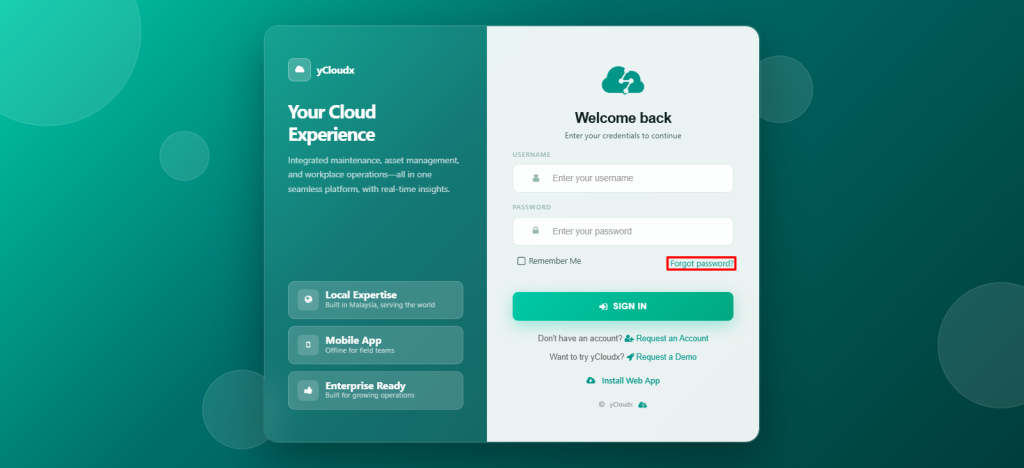
- Open the system login page (e.g. demo.ycloudx.com)
- User need to click Forgot Password on the login page
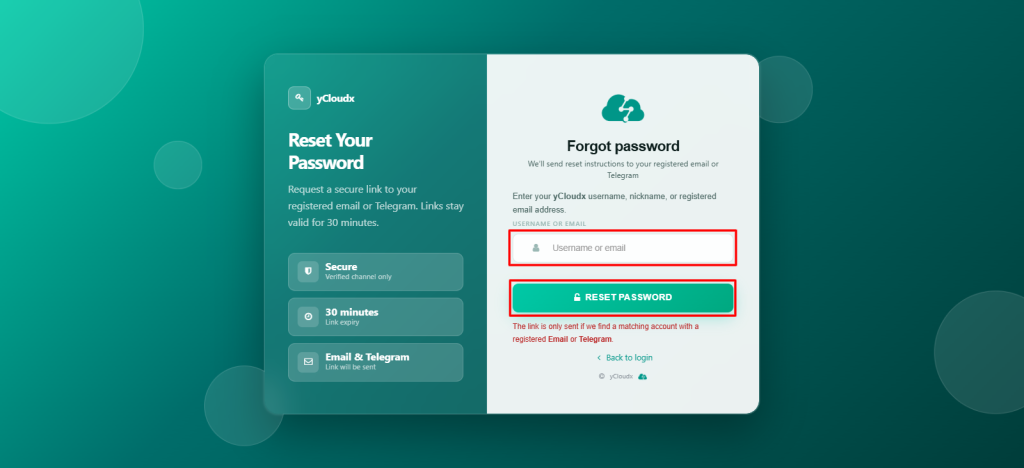
- Enter the registered Username or Email
- Click Reset Password button to proceed
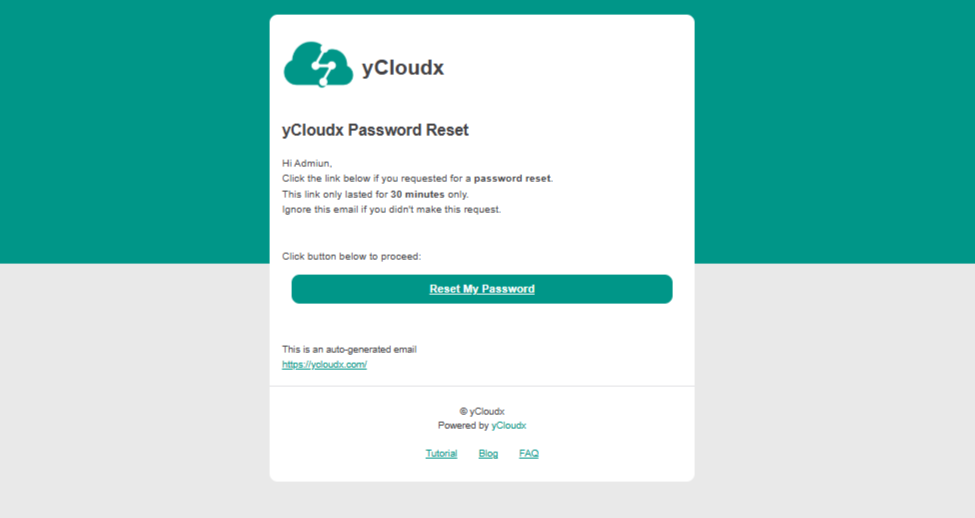
- A password reset link only will be sent to the registered email or telegram
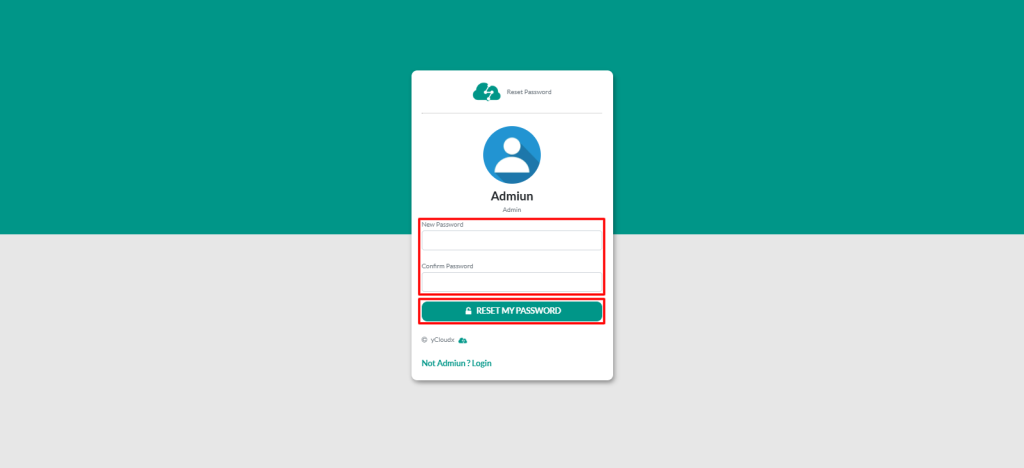
- User can click the link in the email or telegram to set a new password
- Once the password is successfully reset, the user can log in using the new password
