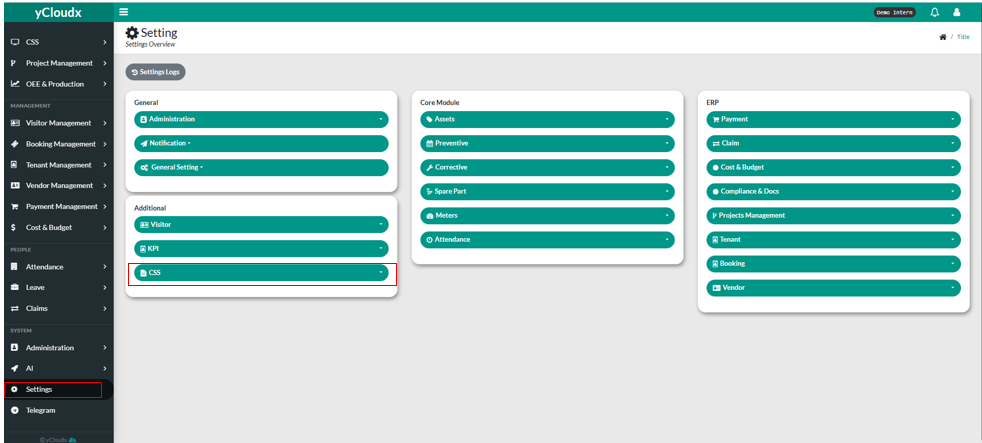
User need to scroll down on the drawer and search for Settings.
User click “Settings” button
User need to click “CSS” button
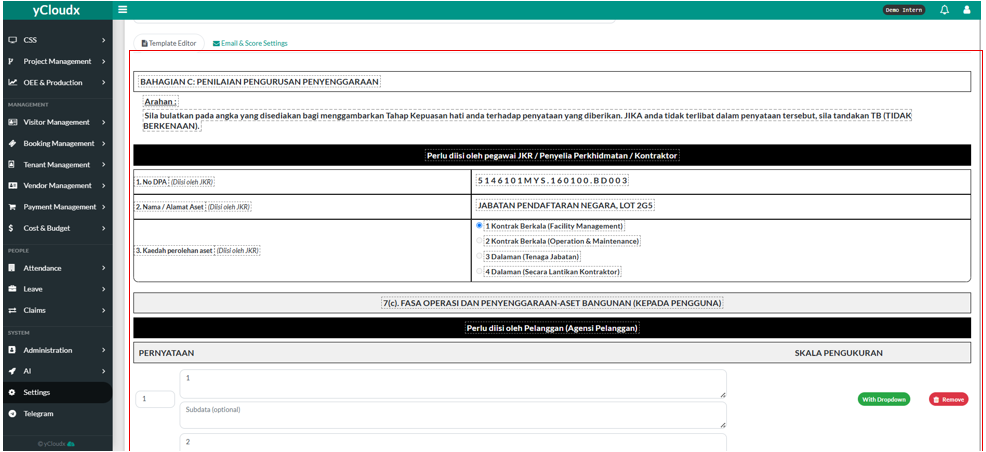
They can start editing by clicking “edit template” button.
They also can create a new template by clicking “+Add New”.
It will have confirmation whether user want to create it or not. If yes, user need to click the “Yes, Create It” button.
If no, user need to click “Cancel” button.
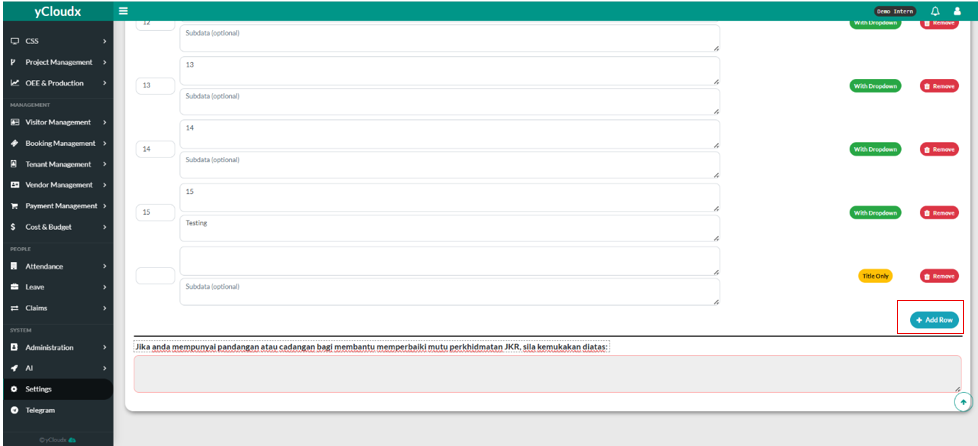
User can change all the text in here.
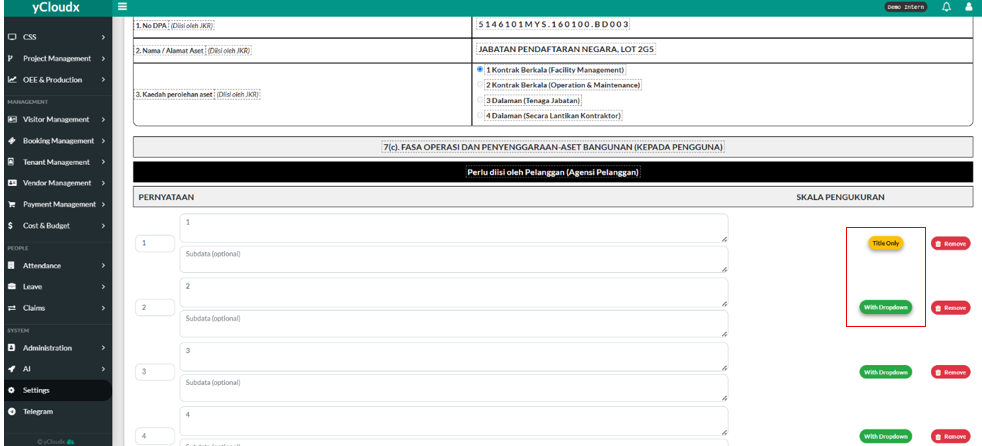
User also can change whether they want “ Title Only “ or “ With Dropdown ”
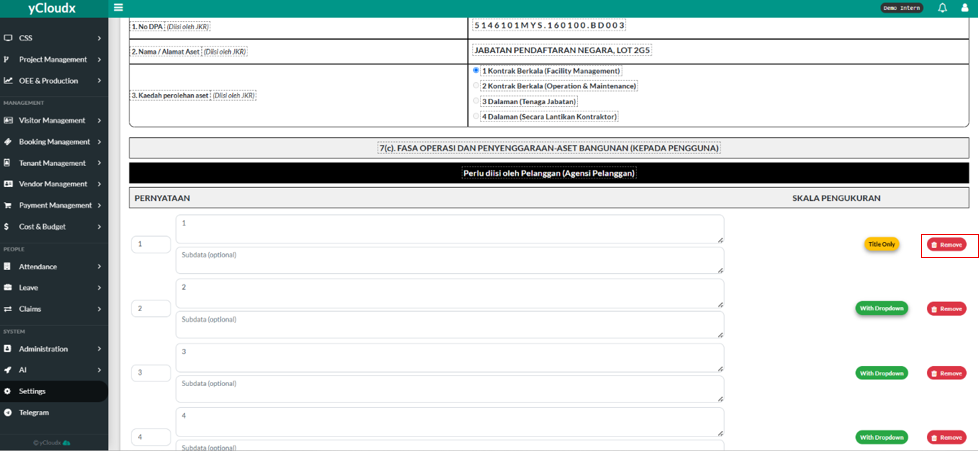
User also can remove the row after clicking “Remove” button
User also can add row if they want to by clicking “+Add Row” button
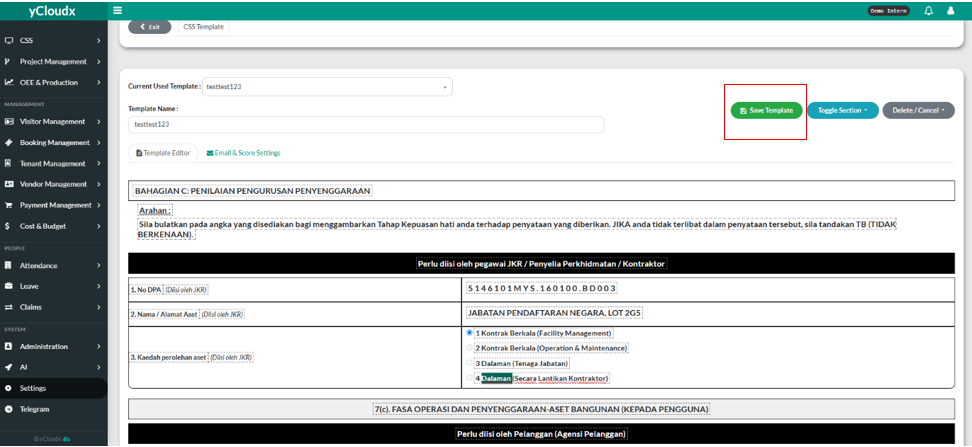
After editing, user need to click “ Save template “ button so it will not be gone
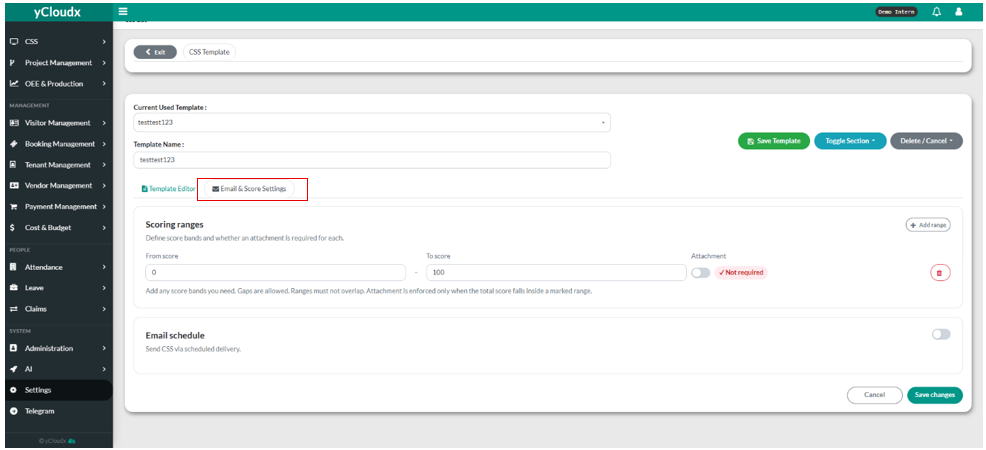
If user want to edit email and also score settings, they need to click “Email & Score Settings”
If user wants to edit the score, click the box that has “from score” and also “to score”
User must sure that the ranges are not overlap. They also can turn on when they want the attachment is required or not.
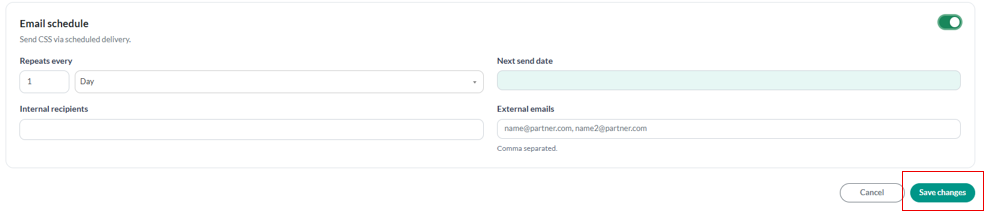
User also can turn on whether they want automatic email delivery.
User need to fill in all of the details such as, repeats how many time, next send date, internal recipients, and also external emails that need to separate by commas.
User need to click the “Save changes” button so the changes will not be gone.