
Skip to main content
How Can We Help?
How to see Payment List?
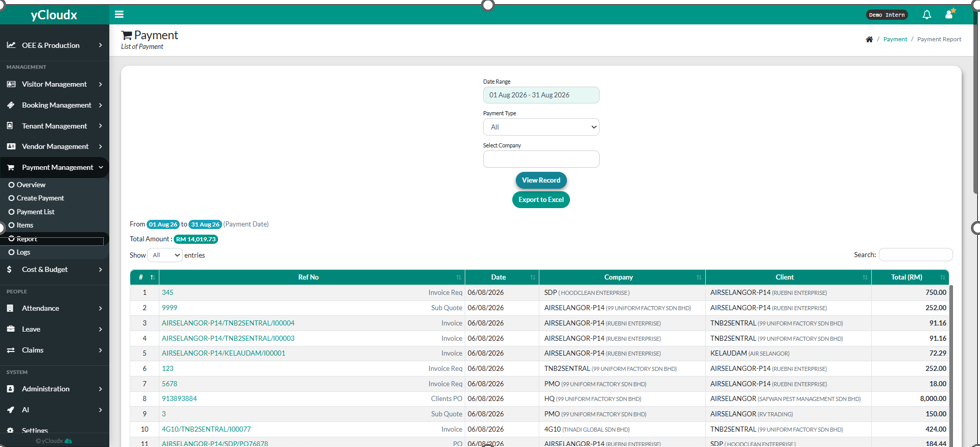
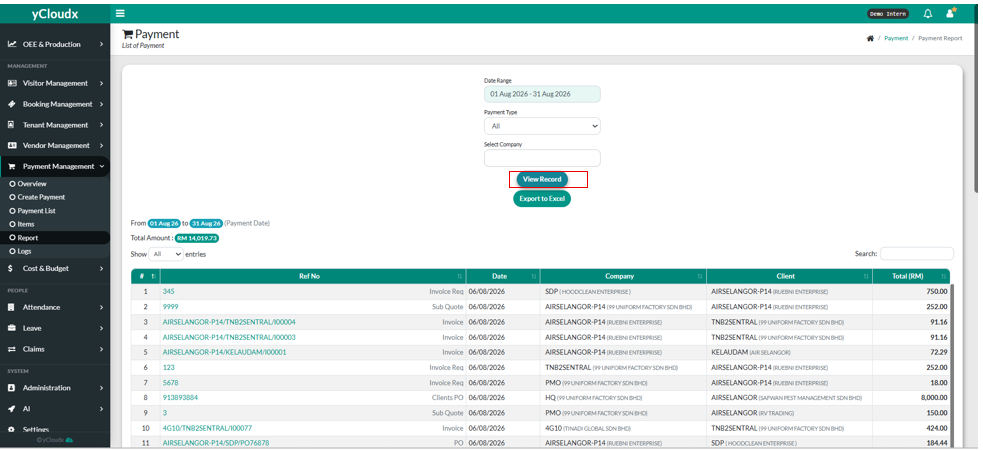
- Proceed Payment Management > Report
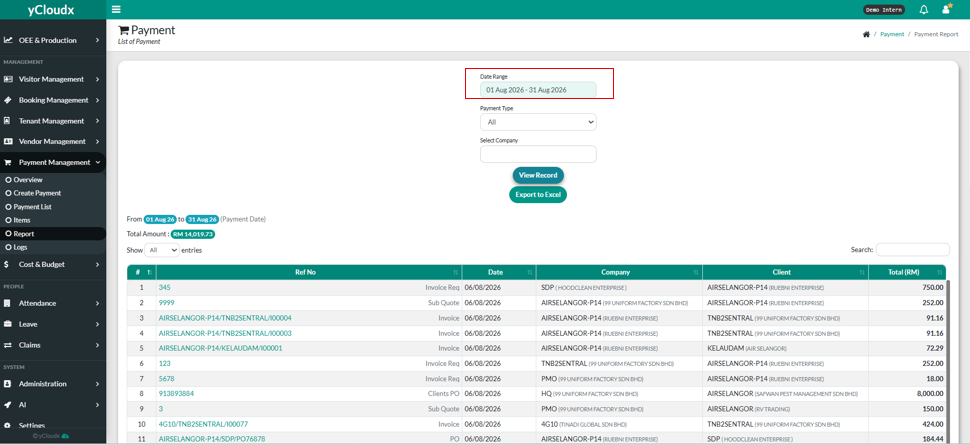
- Select the date range that the user wants by clicking the text box.
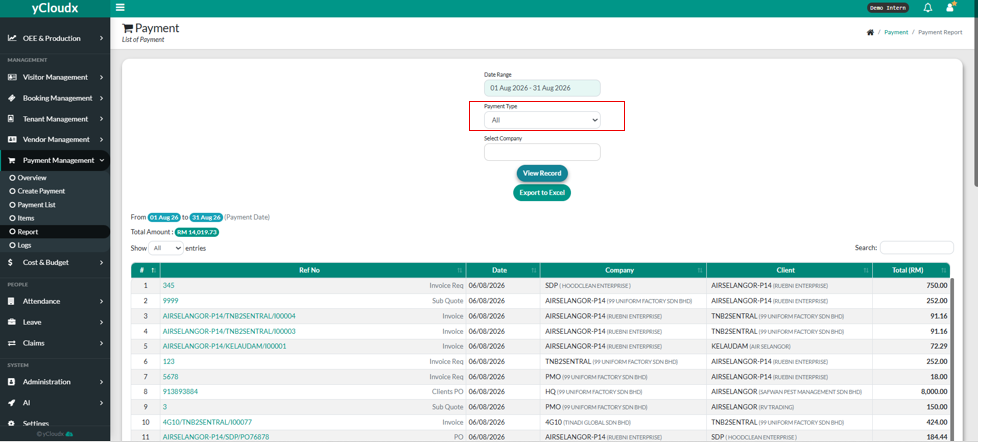
- User need to choose the payment type using a drop down list.
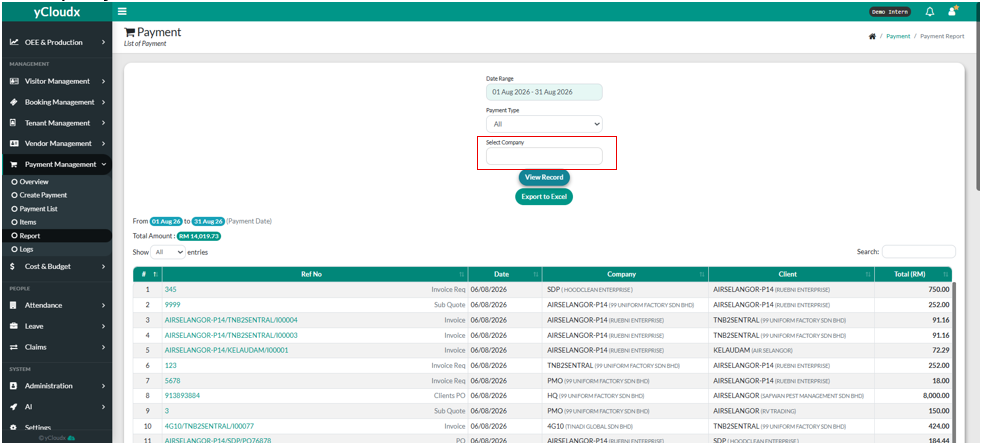
- User need to choose the company by clicking the text box and choose the company.
- User can click “ View Record” button to view the record.
- User can click “ Export to Excel “ if user want to.
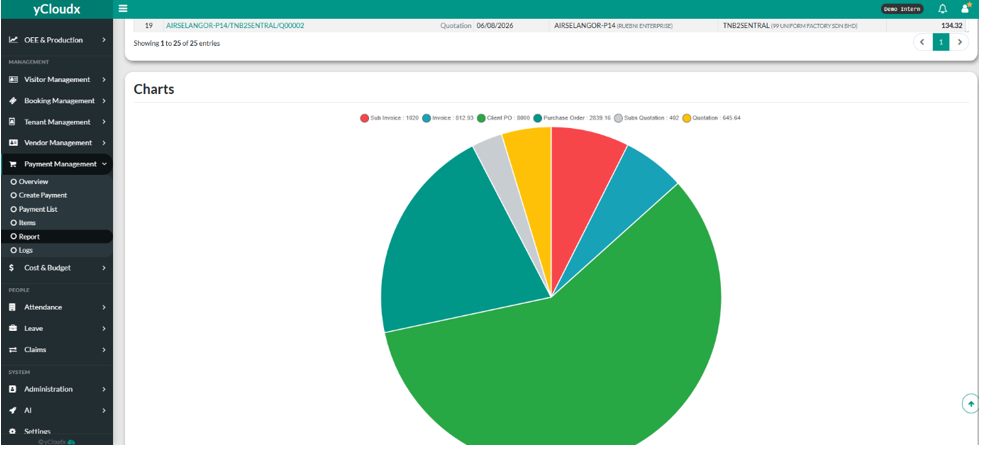
- User also can see the pie chart after scrolling down.
