
Skip to main content


How Can We Help?
How to reset staff password?
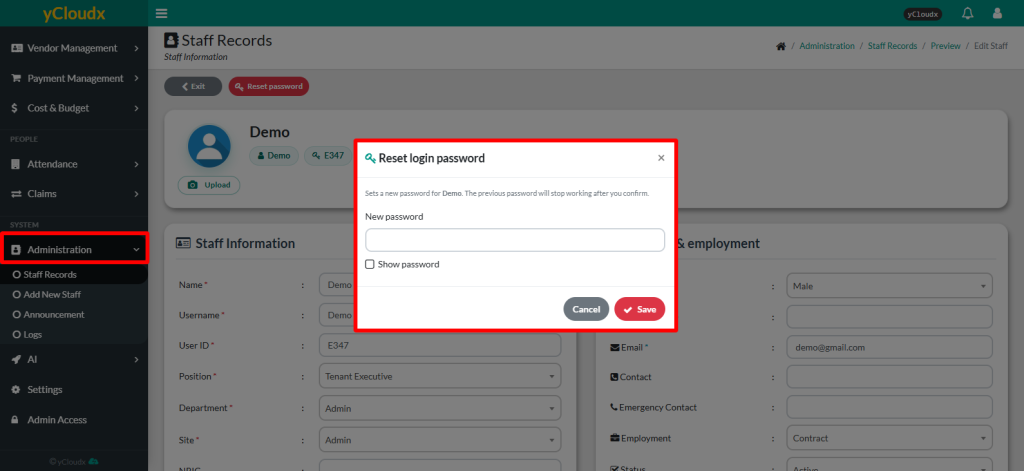
- Proceed to Administration > Staff Records
- Select user whose details need to be updated
- Enter the New password in the provided field
- User able to tick Show password checkbox to review the password entered
- Click Save to apply the changes
- User able to login using the new password