How Can We Help?
How to add, update or delete position?
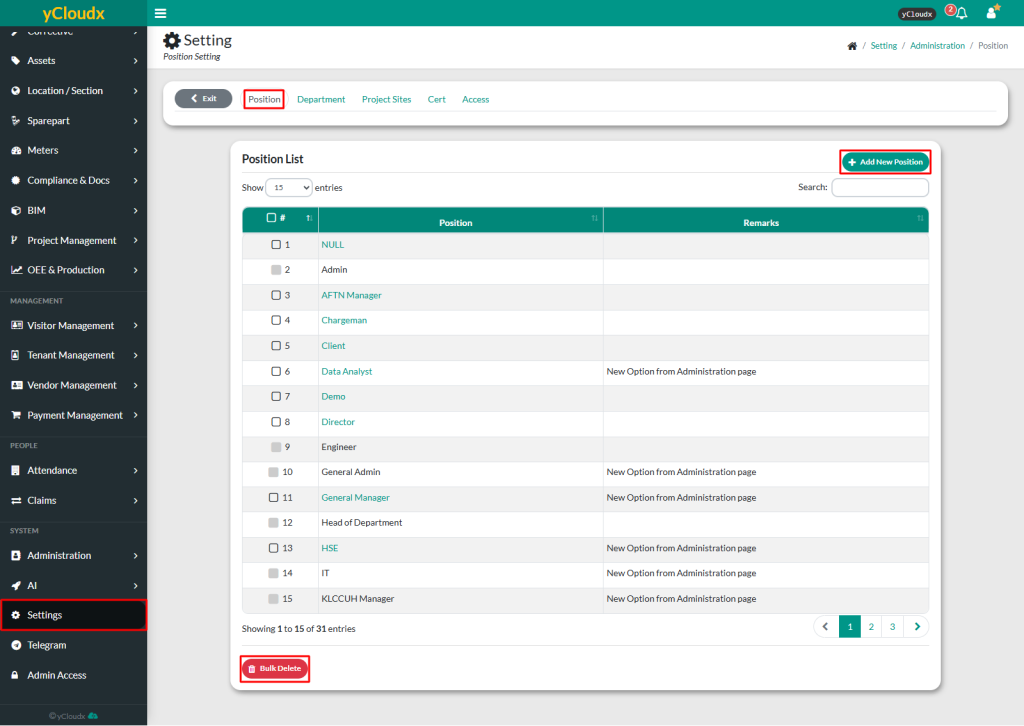
To add new position
- Proceed to Setting > Administration > Position
- Insert new position details and provide remarks if needed.
- Click Add, and the new position will be added to the list
To update or delete position
- Proceed to Setting > Administration > Position
- Select position to be updated or deleted
- Click Update to modify the details or Delete to remove it from the list
- To delete multiple positions at once, select the position and click Bulk Delete