
Skip to main content
How Can We Help?
How to View the History of Spare Part In?
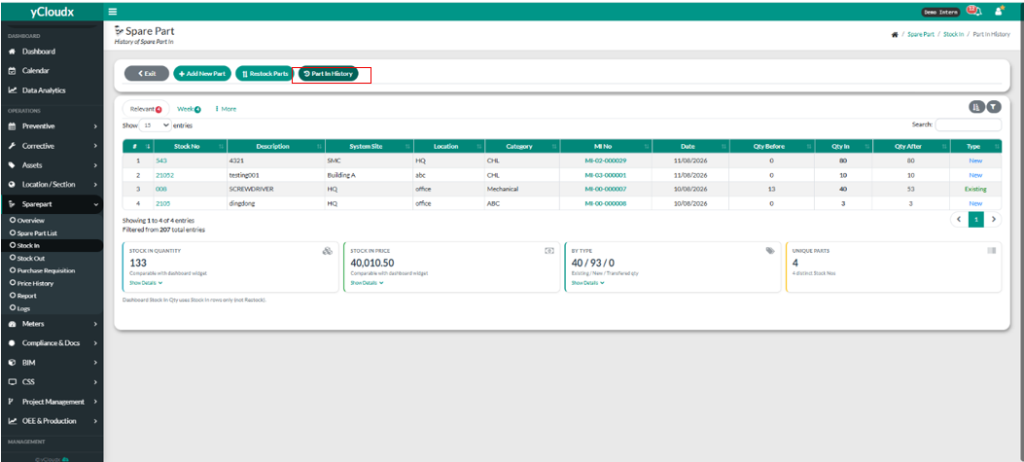
- Proceed Sparepart > Stock In.
- User need to click “Part In History”.
- User can view the history of spare part in.
- User can see the Stock in Quantity, Stock in Price, By Type and Unique Parts.
