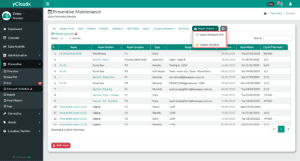
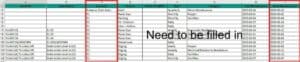
Once exported, the file will be downloaded in Excel format. User needs to insert the work order details following the format in the exported file. Do not delete or remove any columns. Leave it blank if there is no information for the column
The text fields marked with (*) are mandatory, such as Location, Type and Next Maintenance. Other fields are optional but it is recommended to fill in all details
Save the document and proceed to update the preventive schedule in the system